


Introduction
If your business serves customers in a specific city or local area, your Google Business Profile is one of the most powerful marketing tools available. Before customers visit a website, they often search on Google or Google Maps to find nearby businesses, compare reviews, check opening hours, and make quick decisions.
A well-optimised Google Business Profile helps your business appear in local search results, build customer trust, generate more phone calls, increase website visits, and attract walk-in customers. In this guide, you’ll learn the essential steps to optimise your profile and improve your local visibility.
What Is Google Business Profile?
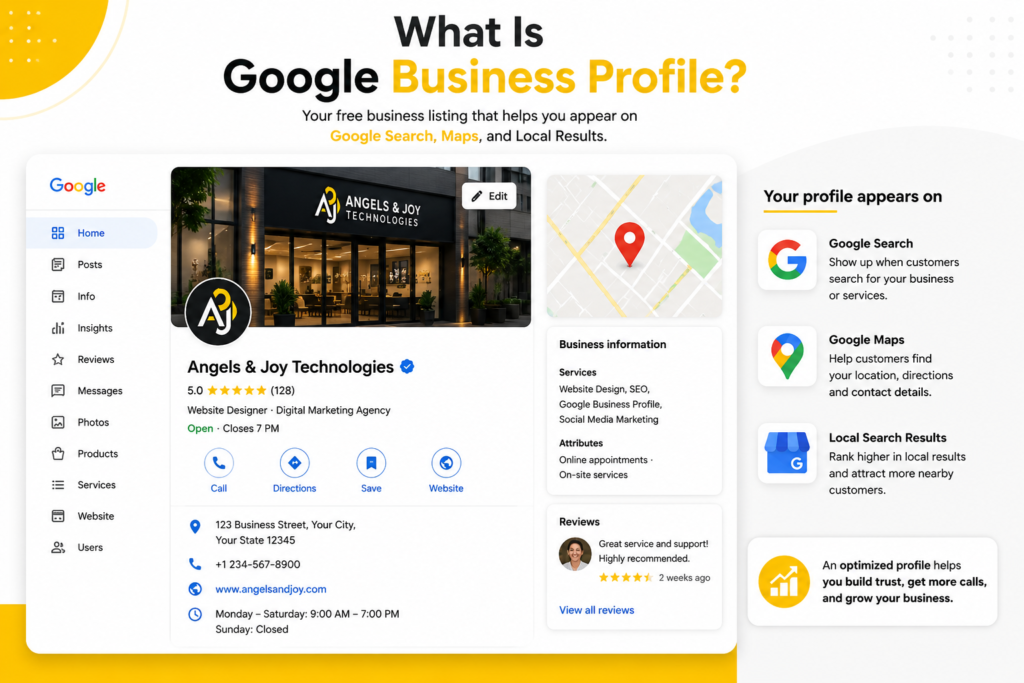
Google Business Profile (GBP) is Google’s free business listing platform that allows businesses to appear on:
- Google Search
- Google Maps
- Local Search Results
- Mobile Search
Your profile displays important information, including:
- Business Name
- Address
- Phone Number
- Website
- Business Hours
- Reviews
- Photos
- Services
- FAQs
Why Google Business Profile Matters
An optimized profile helps you:
✅ Increase visibility on Google Maps
✅ Build customer trust through reviews
✅ Receive more phone calls
✅ Generate website visitors
✅ Improve local SEO rankings
✅ Attract nearby customers searching for your services
Step 1: Complete Every Business Detail
Many businesses only add a name and phone number.
Complete every section:
- Business Name
- Category
- Address
- Phone Number
- Website
- Working Hours
- Description
- Services
- Products
- Attributes
The more complete your profile is, the more trustworthy it appears to both Google and customers.
Step 2: Choose the Right Business Categories
Your primary category tells Google exactly what your business does.
Examples:
- Restaurant
- Dental Clinic
- Gym
- Real Estate Agency
- Web Design Agency
Add relevant secondary categories where appropriate.
Step 3: Add Professional Photos

Businesses with high-quality photos generally receive more engagement.
Upload:
- Office
- Team
- Products
- Services
- Interior
- Exterior
- Customer Experience
Update images regularly.
Step 4: Collect Customer Reviews
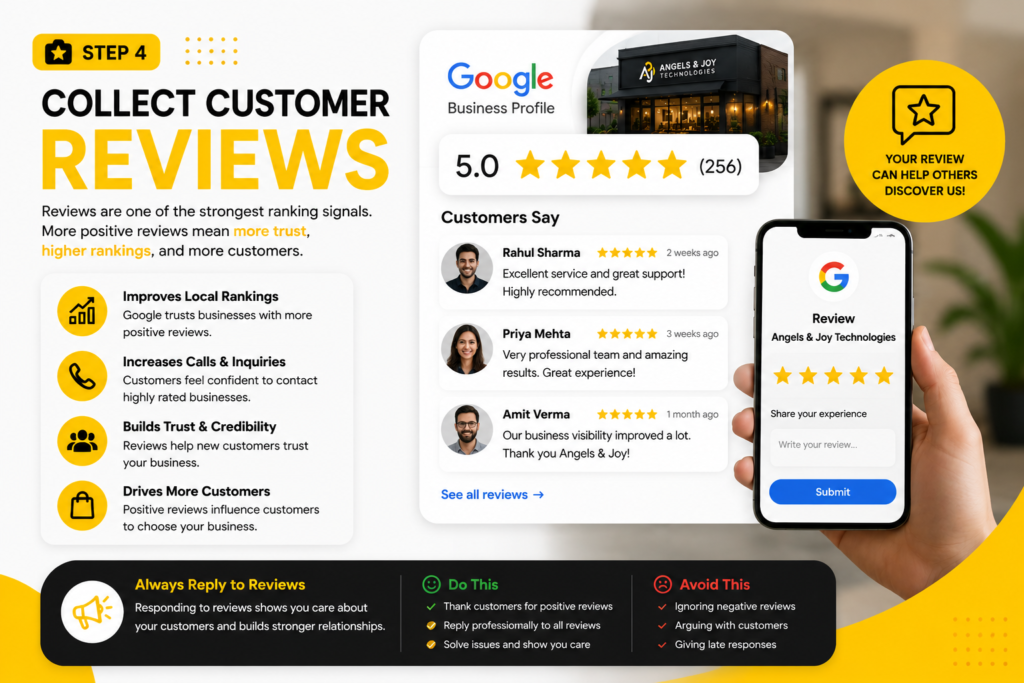
Reviews are one of the strongest ranking signals.
Ask satisfied customers to leave honest reviews.
Always reply professionally—even to negative feedback.
Step 5: Publish Regular Posts
Use Google Posts to share:
- Offers
- New Services
- Business Updates
- Tips
- Events
Fresh activity signals that your business is active.
Step 6: Keep Information Updated
Update immediately whenever something changes:
- Opening hours
- Phone number
- Website
- Address
- Services
Incorrect information reduces trust.
Step 7: Answer Customer Questions
Monitor the Questions & Answers section.
Respond quickly with clear and helpful information.
Common Google Business Profile Mistakes
Avoid these mistakes:
❌ Wrong business category
❌ Low-quality images
❌ Incomplete profile
❌ Ignoring reviews
❌ Inconsistent contact information
❌ Never posting updates
Benefits of an Optimized Profile
A properly optimized Google Business Profile can help you:
- Rank higher on Google Maps
- Receive more customer calls
- Increase website traffic
- Generate qualified leads
- Improve local brand visibility
- Build long-term customer trust
Final Thoughts
Your Google Business Profile is often the first impression customers have of your business. Investing time in optimizing and maintaining it can significantly improve your local visibility and generate consistent business opportunities. Whether you’re a restaurant, clinic, gym, retail store, or service provider, an optimized profile is essential for long-term digital success.
CTA
Need Help Optimizing Your Google Business Profile?
At Angels & Joy Technologies, we help businesses create, optimize, and manage Google Business Profiles that improve local rankings, attract more customers, and generate measurable business growth.
👉 Get a Free Consultation Today