


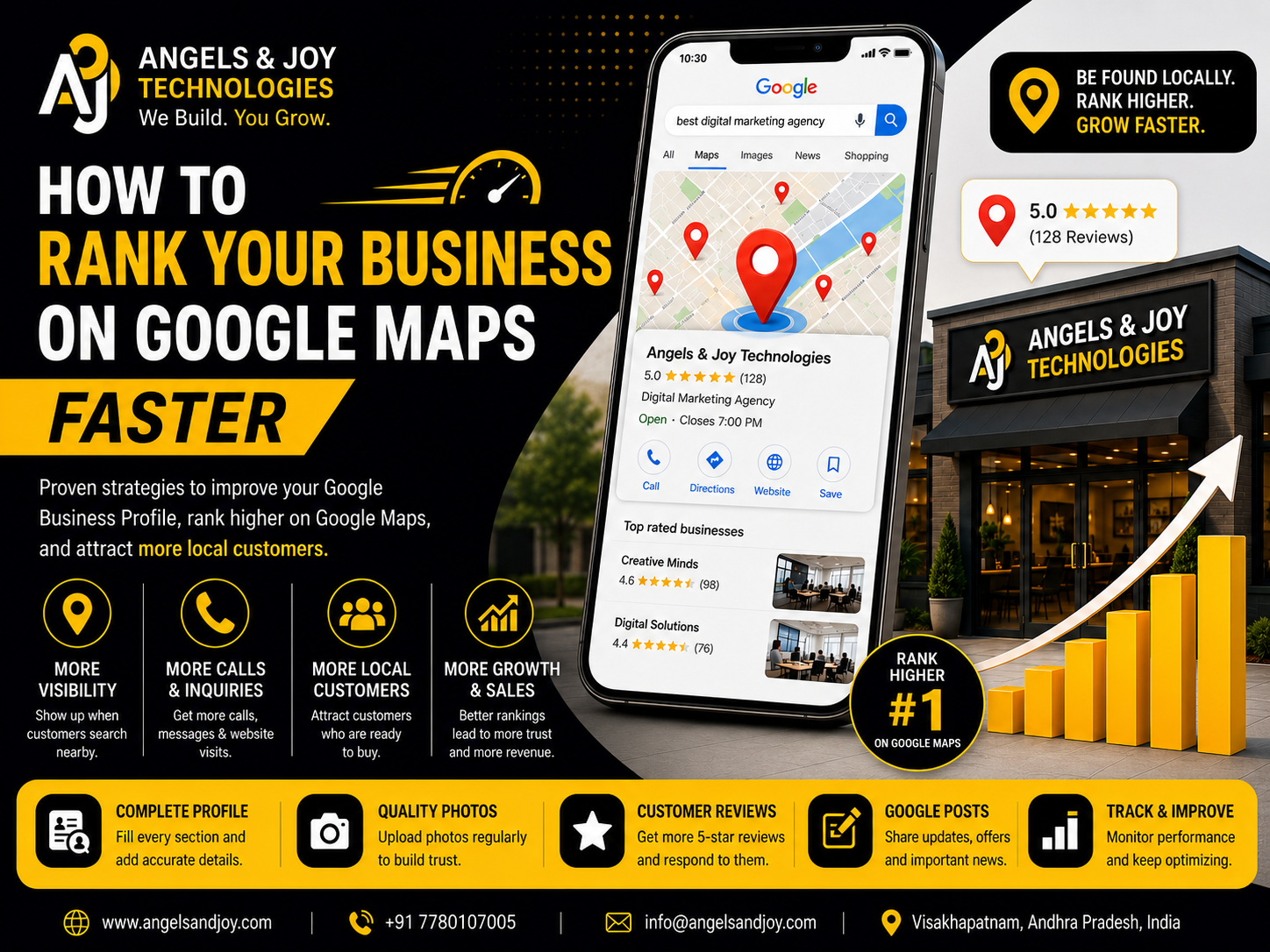
When people need a nearby restaurant, gym, dental clinic, salon, or any local service, the first place they usually look is Google Maps. A quick search such as “restaurant near me” or “web designer in Visakhapatnam” instantly displays nearby businesses, complete with ratings, reviews, contact details, and directions.
The businesses that appear at the top of Google Maps receive the majority of customer attention. They get more calls, more website visits, more direction requests, and ultimately more sales.
If your business isn’t appearing in these results, you’re missing valuable opportunities every day.
The good news is that improving your Google Maps ranking isn’t based on luck. By optimizing your Google Business Profile (GBP) and following local SEO best practices, you can significantly improve your visibility and attract more local customers.
In this guide, we’ll explain how Google Maps rankings work and share practical steps to help your business rank faster.
Why Google Maps Matters for Local Businesses
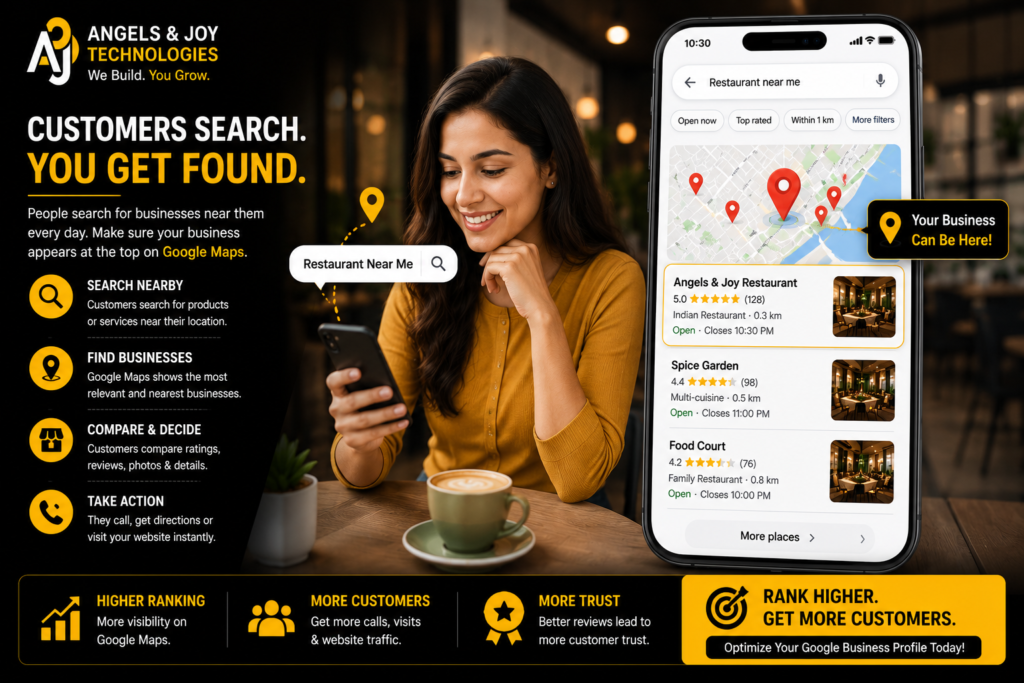
Google Maps is no longer just a navigation tool—it has become one of the most powerful local search platforms in the world.
Customers use Google Maps to:
- Find nearby businesses
- Compare ratings and reviews
- View business hours
- Check photos
- Call businesses directly
- Get directions
- Visit websites
Appearing prominently on Google Maps means your business is visible exactly when customers are searching for your products or services.
Whether you own a restaurant, clinic, retail store, fitness center, or digital agency, Google Maps can become one of your strongest lead-generation channels.
How Google Decides Which Businesses Rank
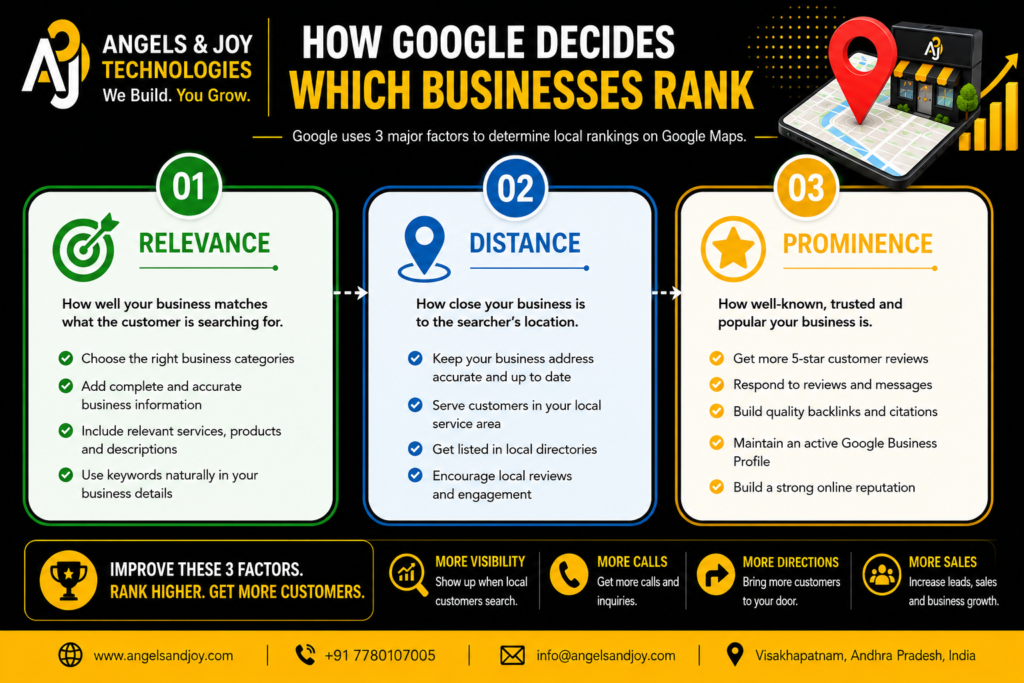
Google considers three major factors when deciding local rankings:
Relevance
Google evaluates how closely your business matches the customer’s search.
For example, if someone searches for “Dental Clinic,” Google prioritizes businesses correctly categorized as dental clinics rather than general healthcare providers.
Choosing accurate business categories and providing detailed service information improves relevance.
Distance
Google considers how close your business is to the searcher’s location.
Although you cannot change your physical location, maintaining accurate address information ensures Google understands exactly where your business operates.
Prominence
Prominence measures how trustworthy and popular your business appears online.
Google evaluates factors such as:
- Customer reviews
- Review quality
- Number of reviews
- Website authority
- Business citations
- Backlinks
- Business activity
- Online reputation
Improving these signals increases your chances of ranking higher.
1. Fully Optimize Your Google Business Profile
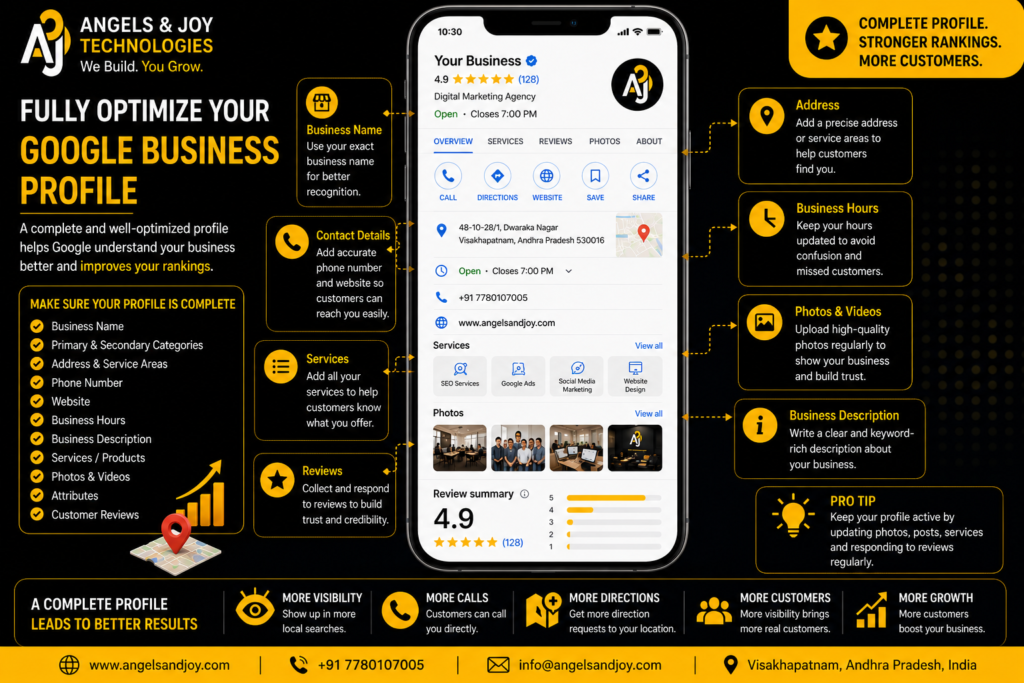
Many businesses create a Google Business Profile but leave it incomplete.
An incomplete profile signals inactivity to both Google and potential customers.
Make sure your profile includes:
- Business name
- Primary category
- Secondary categories
- Phone number
- Website
- Business hours
- Address
- Services
- Business description
- Attributes
- Photos
A complete profile helps Google better understand your business and improves customer confidence.
2. Choose the Right Business Categories
Your primary business category is one of the strongest ranking signals.
Choose the category that best describes your core business.
For example:
- Restaurant
- Website Designer
- Dental Clinic
- Gym
- Marketing Agency
- Real Estate Agency
Avoid selecting unrelated categories simply to appear in more searches.
Accuracy is always more effective than quantity.
3. Add High-Quality Photos Regularly
Businesses with fresh, professional images typically receive higher engagement.
Upload photos such as:
- Office exterior
- Interior workspace
- Team members
- Products
- Completed projects
- Customer experiences
Regular photo uploads show Google that your business remains active.
Customers also trust businesses that display authentic images instead of generic stock photos.
4. Collect Genuine Customer Reviews

Reviews are one of the most influential local ranking factors.
Positive reviews demonstrate customer satisfaction while increasing trust among new visitors.
Encourage happy customers to leave honest feedback after completing a service.
Respond professionally to every review.
Thank customers for positive reviews and address concerns respectfully when receiving negative feedback.
Active review management signals professionalism.
5. Keep Your Business Information Consistent
Consistency matters across the internet.
Your business name, address, and phone number (often called NAP) should match everywhere.
Ensure the same information appears on:
- Your website
- Google Business Profile
- Social media
- Online directories
- Local listings
Inconsistent information can confuse search engines and reduce trust.
6. Add Your Services and Products
Google allows businesses to list individual services.
Instead of simply writing:
“Website Development”
Include detailed services like:
- Business Website Design
- Landing Page Development
- WordPress Development
- UI/UX Design
- Website Maintenance
The more detailed your services, the easier it becomes for Google to understand your expertise.
7. Publish Google Business Profile Posts
Google Posts help keep your profile active.
Share updates about:
- New services
- Business announcements
- Blog articles
- Offers
- Events
- Success stories
Although posts alone won’t guarantee higher rankings, they increase engagement and encourage customer interaction.
8. Build Local SEO Through Your Website
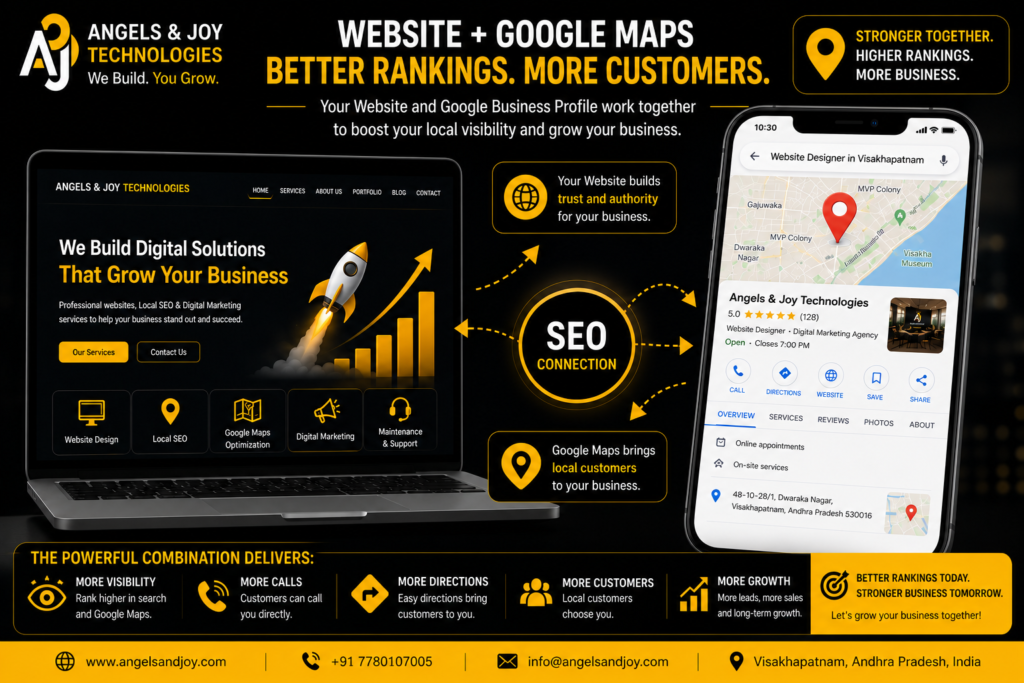
Your website and Google Business Profile work together.
Include location-specific pages and naturally mention your city or service area throughout your website.
Examples:
- Website Development in Visakhapatnam
- Google Business Profile Services in Andhra Pradesh
- Local SEO Services for Small Businesses
Publishing helpful blog articles related to your services also strengthens your local authority.
9. Earn Quality Local Backlinks
Backlinks remain an important ranking factor.
Look for opportunities to receive links from:
- Local business directories
- Industry associations
- Chamber of Commerce
- Community organizations
- Local news websites
- Business partners
Quality matters more than quantity.
A few trusted local backlinks are often more valuable than hundreds of low-quality links.
10. Keep Your Profile Active
Google prefers businesses that demonstrate consistent activity.
Regularly:
- Update photos
- Publish posts
- Respond to reviews
- Answer customer questions
- Update business hours
- Add new services
An active profile signals that your business is operating and engaged with customers.
Common Mistakes That Hurt Google Maps Rankings
Avoid these common mistakes:
- Incomplete business profile
- Incorrect categories
- Low-quality photos
- Ignoring customer reviews
- Outdated contact information
- Duplicate business listings
- Keyword stuffing in the business name
- Fake reviews
- Inconsistent business information
Trying to manipulate Google’s system often results in lower rankings rather than improvements.
How Long Does It Take to Rank Higher?
There is no exact timeline.
Some businesses notice improvements within a few weeks, while others may take several months depending on:
- Competition
- Industry
- Location
- Review growth
- Website quality
- Local SEO efforts
The key is consistency.
Businesses that regularly improve their online presence almost always outperform inactive competitors over time.
Why Google Maps Rankings Matter
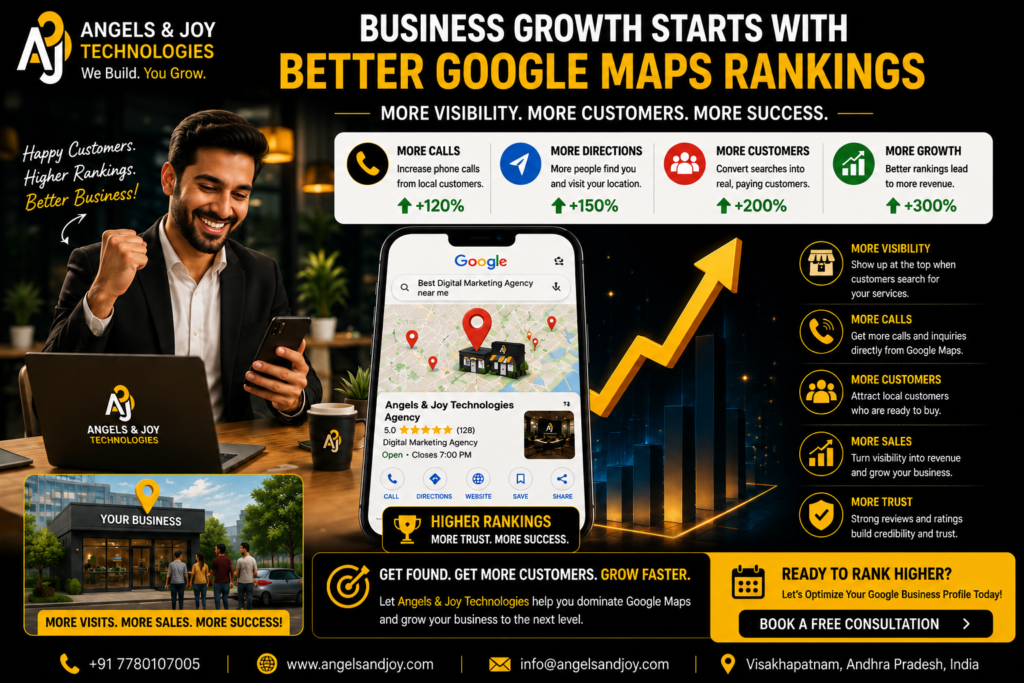
Higher Google Maps rankings lead to:
- More visibility
- More phone calls
- More direction requests
- More website visitors
- More qualified leads
- Higher customer trust
- Increased sales
Unlike paid advertising, strong local rankings continue generating traffic without requiring ongoing advertising costs.
For many local businesses, Google Maps becomes one of their highest-performing marketing channels.
Final Thoughts
Ranking higher on Google Maps isn’t about finding shortcuts—it’s about building a complete, trustworthy online presence.
A fully optimized Google Business Profile, consistent business information, genuine customer reviews, professional photos, valuable website content, and ongoing local SEO efforts all work together to improve your visibility.
While results don’t happen overnight, businesses that consistently apply these best practices often see long-term growth in local rankings and customer inquiries.
If you want your business to stand out when nearby customers search for your services, investing time in Google Maps optimization is one of the smartest digital marketing decisions you can make.
Frequently Asked Questions
1. Is Google Maps ranking free?
Yes. Improving your Google Maps ranking through Google Business Profile optimization and local SEO does not require paid advertising.
2. Do customer reviews affect Google Maps rankings?
Yes. Genuine reviews, especially when combined with regular responses, help strengthen your local visibility.
3. How often should I update my Google Business Profile?
Aim to update your profile regularly by adding photos, publishing posts, responding to reviews, and ensuring business information remains accurate.
4. Can a website improve Google Maps rankings?
Yes. A professional, SEO-optimized website strengthens your business authority and supports better local search performance.
Ready to Improve Your Google Maps Ranking?
At Angels & Joy Technologies, we help businesses optimize their Google Business Profiles, improve local SEO, and build professional websites that generate measurable results.
Whether you’re just getting started or looking to improve your existing online presence, our team is ready to help your business grow.
👉 Contact Angels & Joy Technologies today for a free consultation and start attracting more local customers through Google Maps.